
Venue Information
Amenities
The WiFi login details are:
username: DANCEHOUSE_GUEST
password: letsDANCE!
The kitchen facilities and back of house toilets are not available for general use. If the kitchen is needed for large groups, please contact Dancehouse to discuss further.
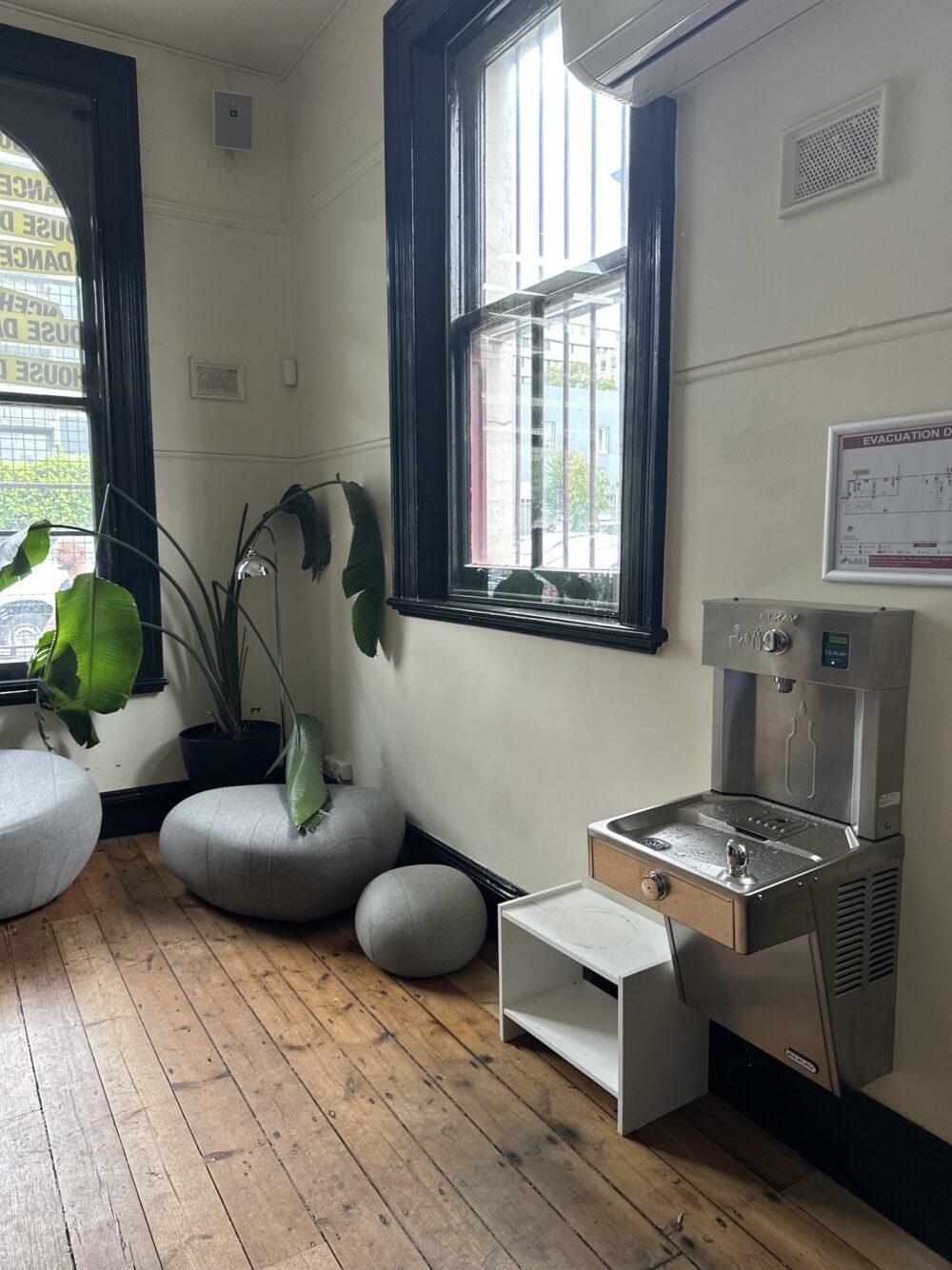
Water is available in the foyer from the fountain.
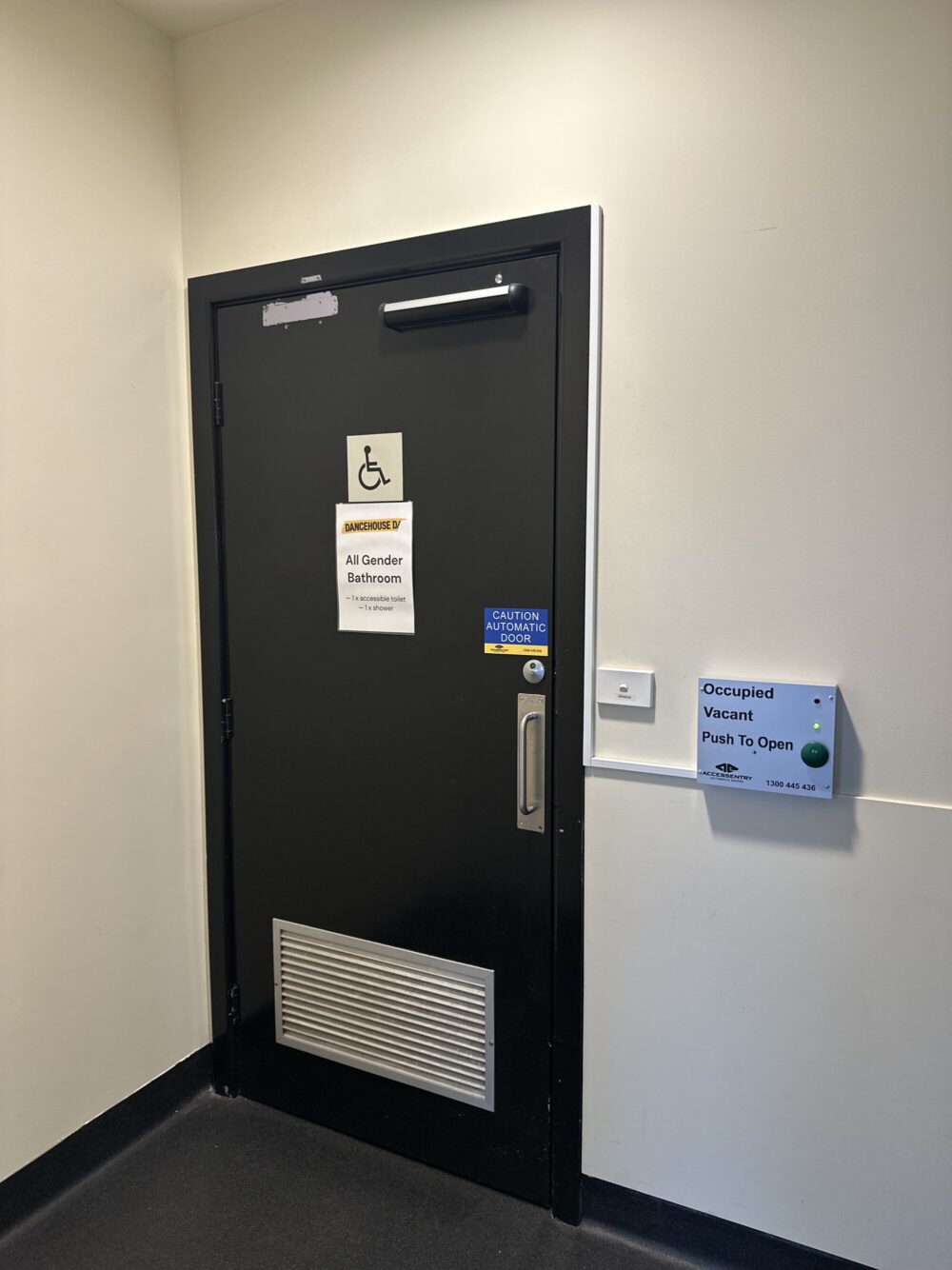
All gender bathrooms are in the foyer and back of house. An accessible bathroom is located in the foyer.
LOST PROPERTY is located in the shelf outside of the Upstairs Studio. Unless it is a more valuable item, then please contact the office.
The Dancehouse out of hours emergency phone number is 0455 633 838.
This will be answered by a Dancehouse staff person. Please call for emergencies only. This number is CALL ONLY and cannot receive texts.
In case of emergency, danger, injury or fire, call 000 and evacuate if you need to.
Then call the Dancehouse emergency phone number: 0455 633 838
The following information is essential to hiring and using Dancehouse.
General Information
- Please complete the Venue Use Agreement
- If you have the door code YOU are the Lead Hirer for your space.
- Alarms: Alarms are on a timer. You do not need to lock and arm the building
- Door Code: Your door code is listed in the booking title of your Skedda booking and/or sent to your email. Dancehouse will only provide you with the door code after you have signed your Venue Use Agreement.
- Front Door: The front door should remain closed and only be opened by the Lead Hirer using the door code or letting in your students, team or collaborators. Do not let anyone else in. The front door is automatic. Enter your code and the door will open automatically. To exit the building, press the Green Button on the left wall as you exit. No need to push/pull the door handle.
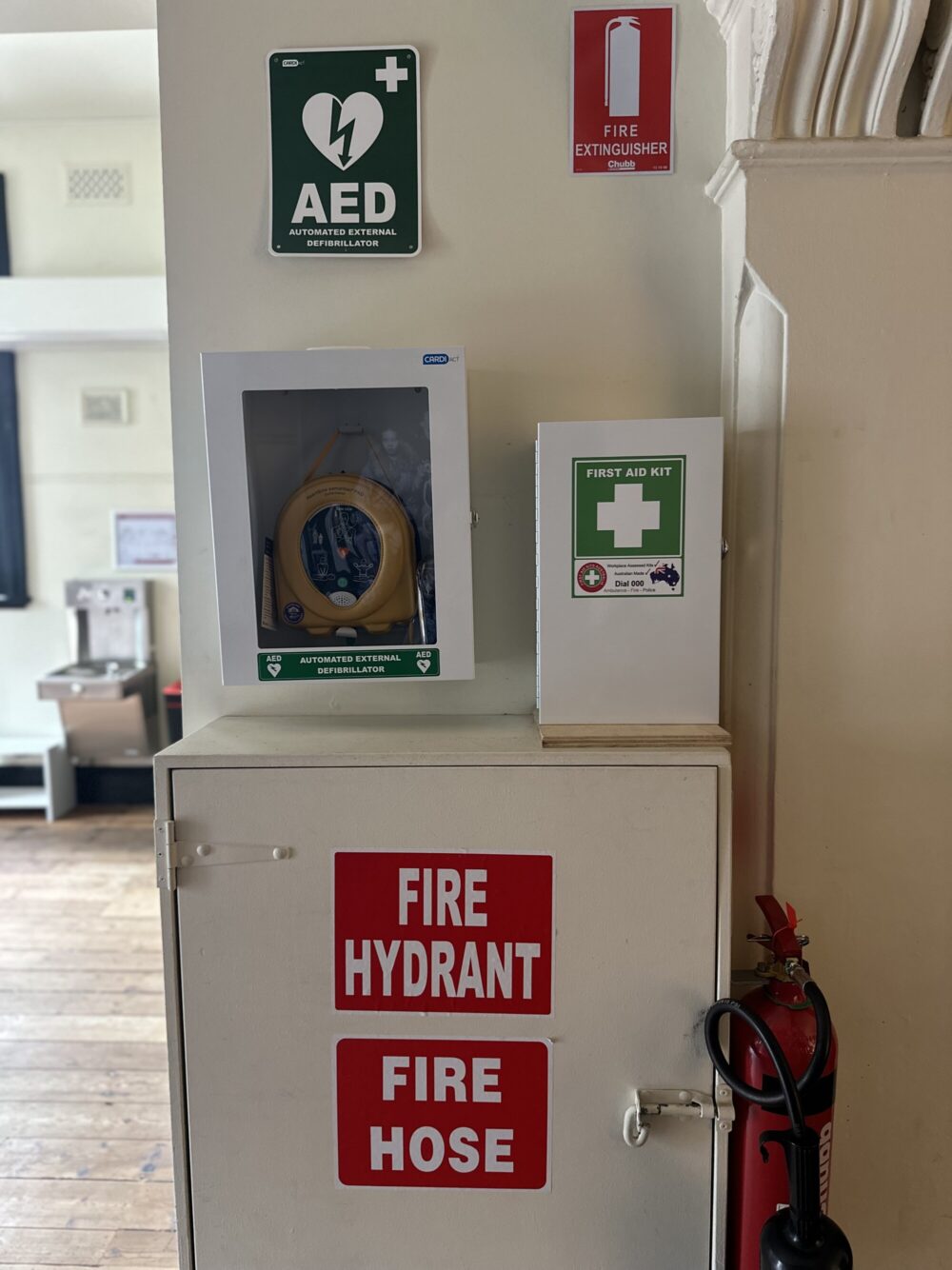
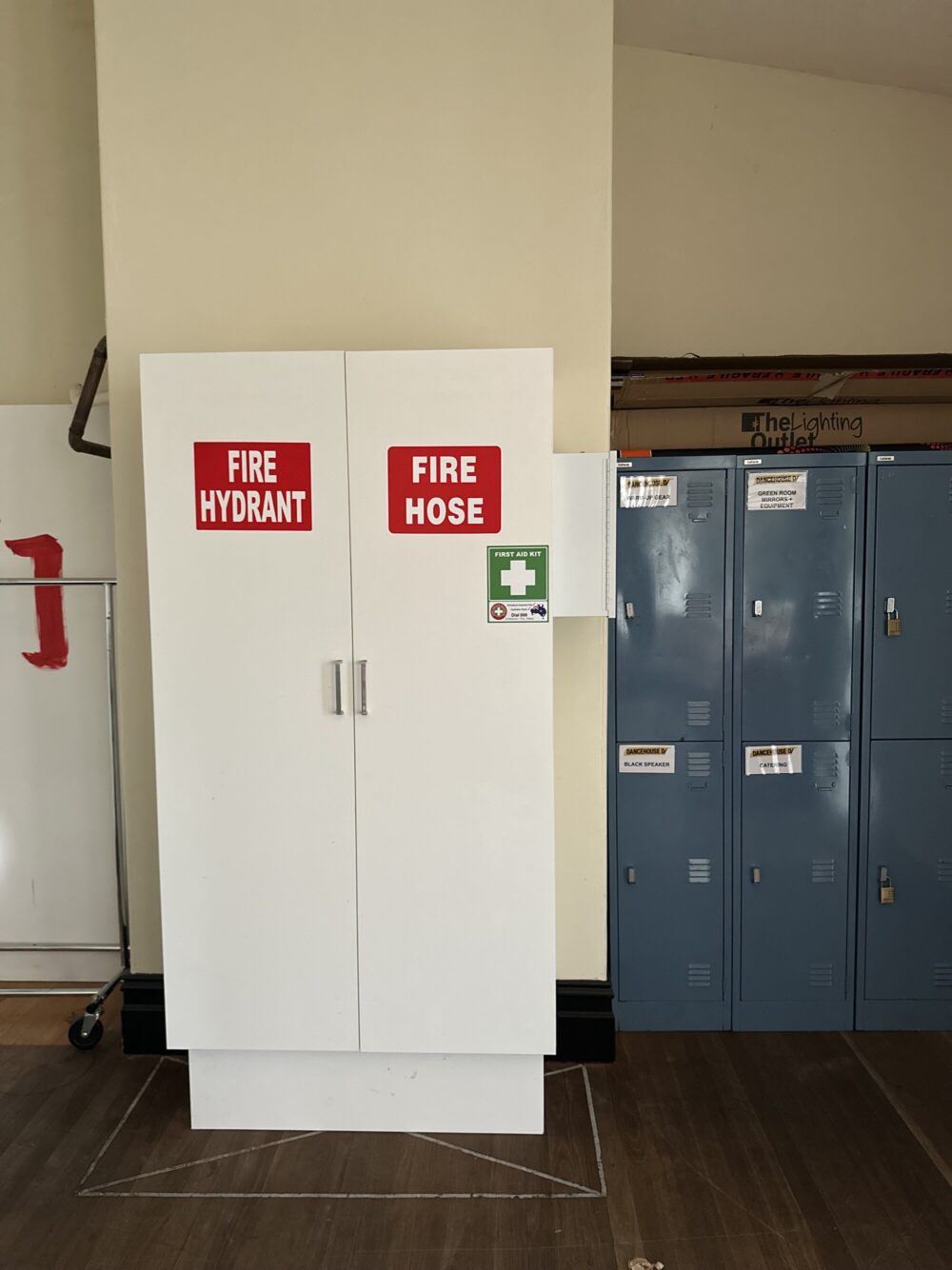
- First Aid: A first aid box located in the foyer above the fire hose reel, and back of house near the fire hose. Ice packs are in each of the first aid boxes, both in the foyer and back of house.
- Defib: A defib is located in the foyer above the fire hose reel.
- Please leave the space clean and tidy. There are no storage facilities at Dancehouse and many people use the space — please do not leave anything behind.
- In case of an incident, faulty equipment or amenities, please complete an Incident Report
When you leave Dancehouse please ensure that you have turned off the lights, AC/ heating, closed any windows, and swept the space you have been in. Please turn off lights in the bathroom and foyer too.
Upstairs Studio
- The Upstairs Studio is only to be accessed by the front entrance to Dancehouse on Princes Street.
-
- Light switches are located on the left hand side upon entering the studio. Turn off after use.
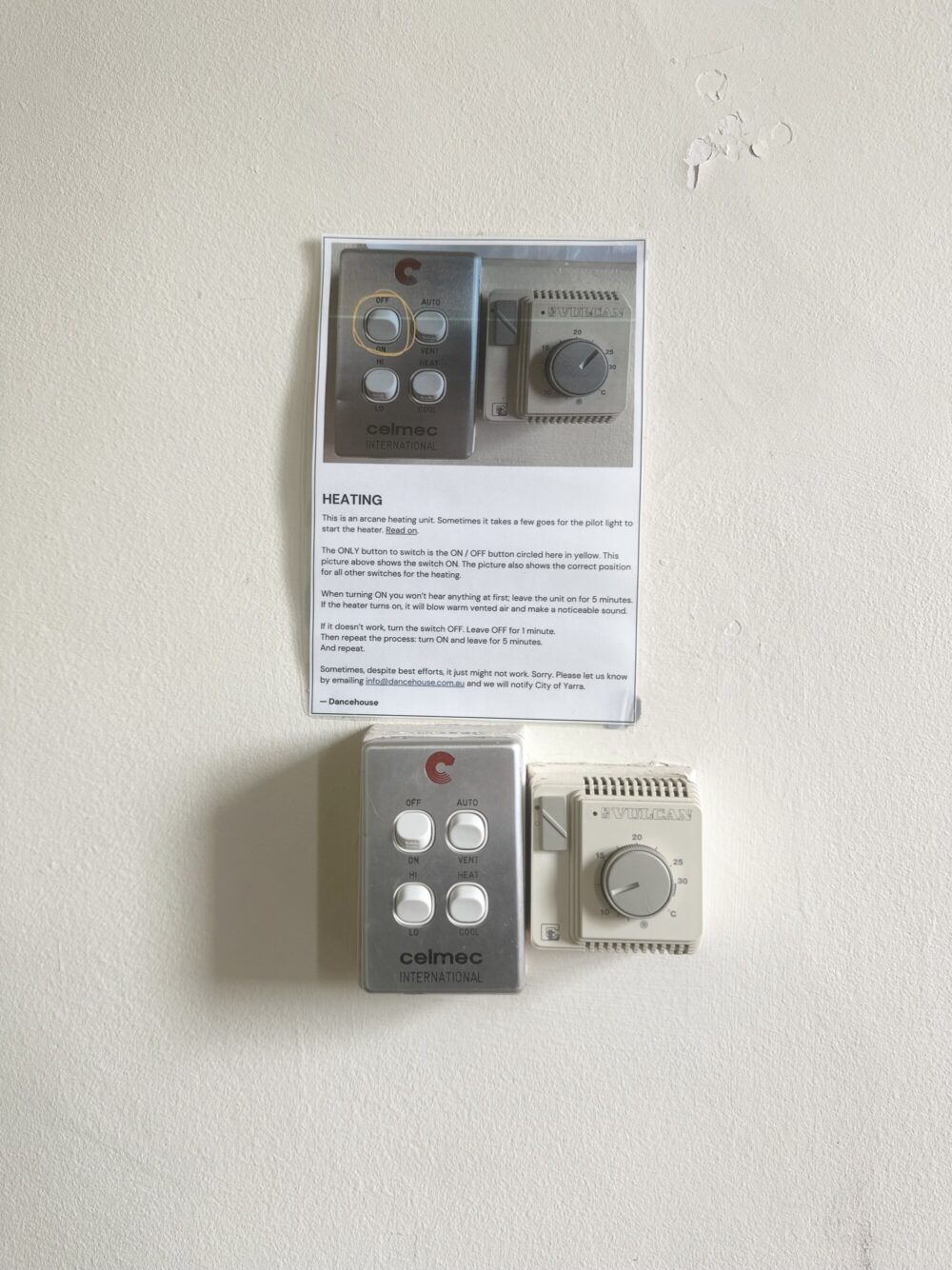
- The heater/cooling is located on the right hand side upon entering the studio. For heating, follow the instructions on the wall carefully (See pic below). The heater is old and sometimes it takes a few tries for the pilot light to ignite. If the heater still does not work, please complete an incident report for our records (sorry, there’s nothing we can do if you call the emergency phone)
- Fan switches are located at the opposite end of the room where the raised floor is located (on the window side)
- The PA System is in built speakers with a mini-jack aux cable:
- Plug and play — BYO adaptors
- Ensure volume dial is low (on wall above stereo) before playing music
- There is no bluetooth available
When it’s time to leave please remove any items from the space, throw away all rubbish, turn off the air conditioner/ heating and lights, sweep the floor, and leave the door open to promote airflow.
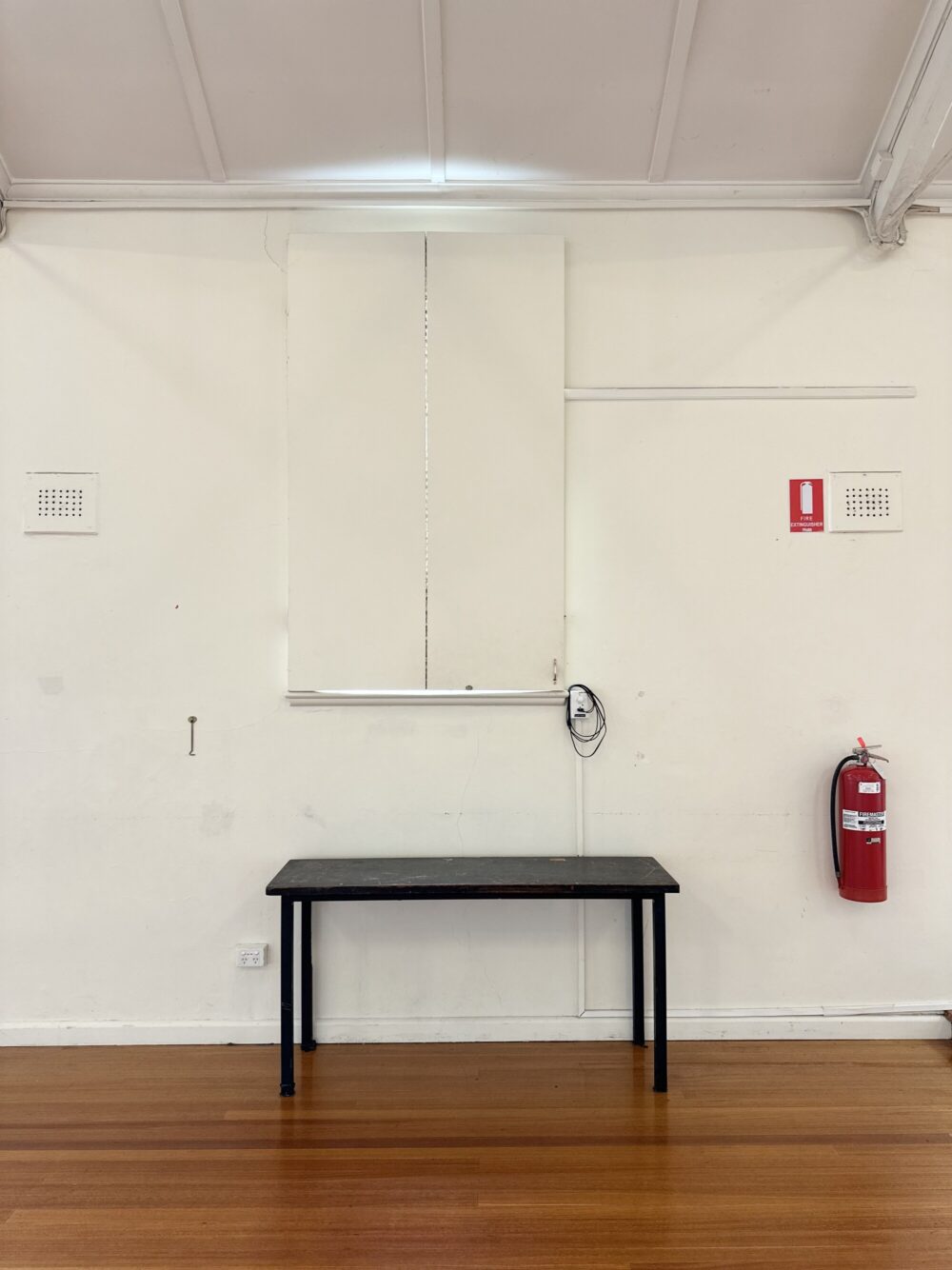
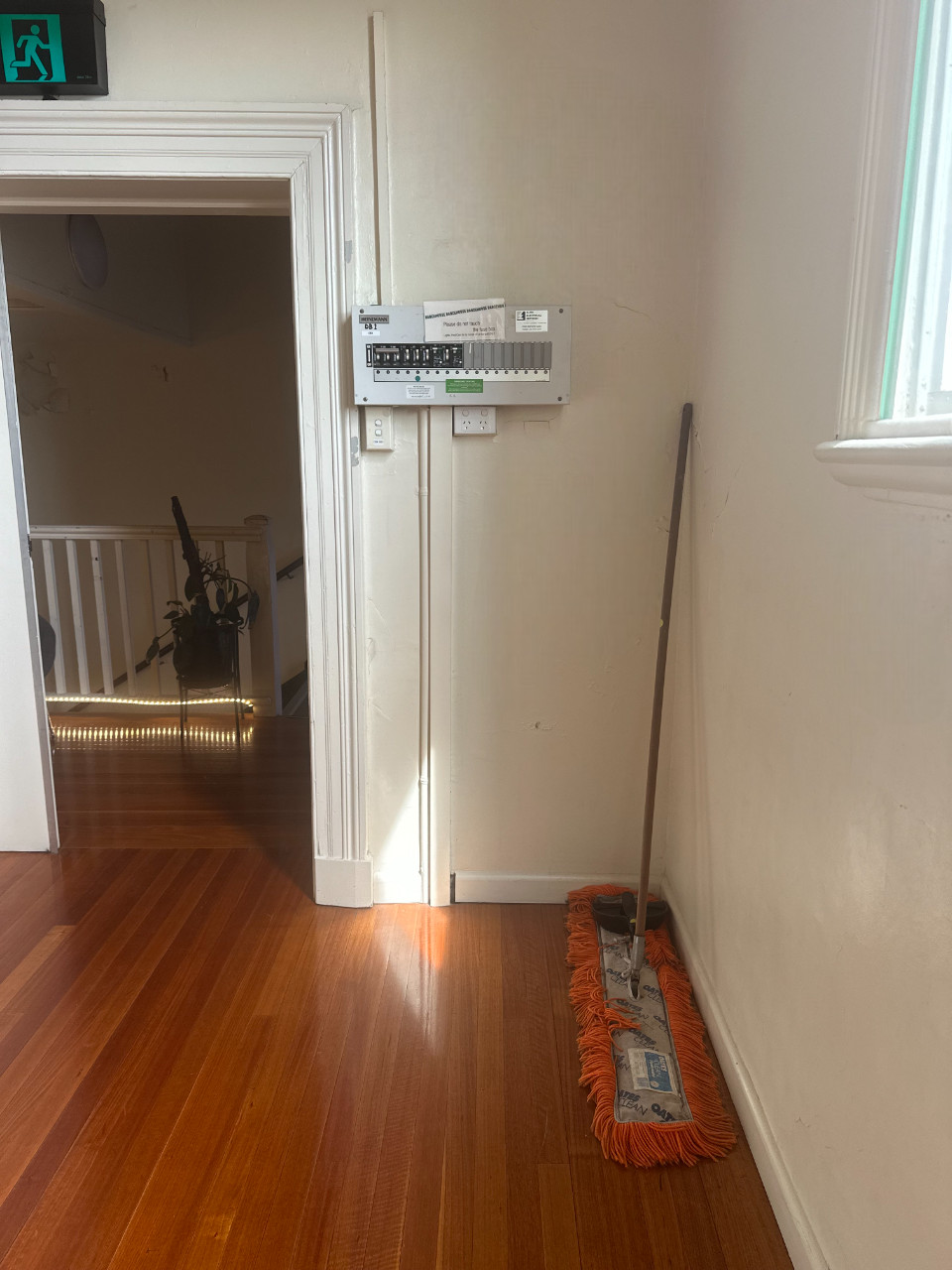
Sylvia Staehli Theatre
- The Sylvia Staehli Theatre is only to be accessed by the front entrance to Dancehouse on Princes Street.
- Lights switches are located on the wall to the right upon entering the studio. Turn off after use.
- Heating / Air conditioning is located in the Back of House — this is the only reason to access Back of House.
- Access via the right side stairs of the proscenium stage
- Unit is located on the right side of the stage door — basically behind the door when you go back of hosue
- Turn off after use (See Pic)
- The PA system is in built speakers with a mini-jack aux cable:
- Plug and play — BYO adaptors
- Volume is controlled with the black control panel on the wall above the aux plug in
- There is no bluetooth available
- The Projector is an Epson EB—L615U
- Turn on at wall — black control panel
- Plug HDMI cable into laptop — BYO adaptors
- Displays onto white screen (screen descends when turned on)
When it’s time to leave please remove any items from the space, throw away all rubbish, turn off the air conditioner/ heating and lights, sweep the floor, and leave the door open to promote airflow.



Skylab
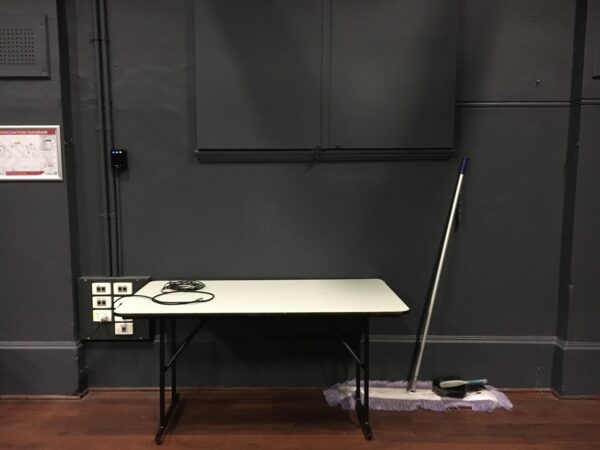
- Skylab is only to be accessed by the front entrance to Dancehouse on Princes Street.
- Light switches are located on the left hand side upon entering the studio. Turn off after use.
- The heater/aircon is located on the left hand side upon entering the studio. Turn off after use.
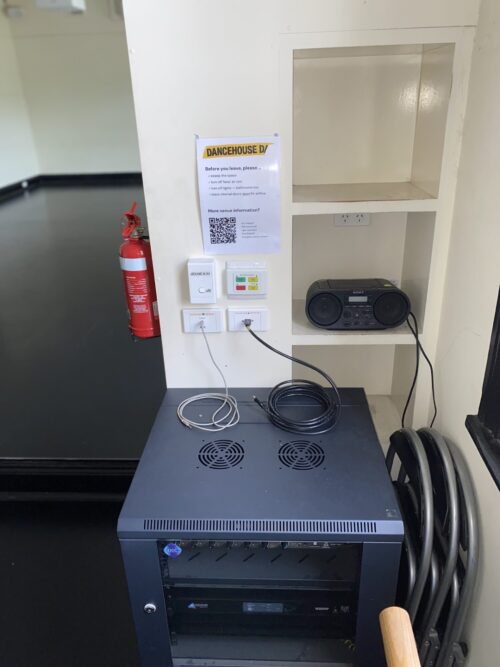
- The PA system is in built speakers with a mini-jack aux cable:
- Plug and play — BYO adaptors
- There is no bluetooth available
- The Projector is an Epson EB—L510U
- Turn on at wall — green switch
- Plug HDMI cable into laptop — BYO adaptors
- Displays onto white West wall
When it’s time to leave please remove any items from the space, throw away all rubbish, turn off the air conditioner/ heating and lights, sweep the floor, and leave the door open to promote airflow.

Policies and Procedures
Everyone at Dancehouse is responsible for complying with Dancehouse’s Policies and Procedures to ensure a safe workplace and venue for: artists, employees, users, hirers, patrons and City of Yarra staff.
For yours and everyone’s safety, Dancehouse reserves the right to remove you from the venue immediately and cancel your bookings if you are not complying with our policies and procedures.